How to Livestream a Baby Shower for Family Far Away 📱
How to livestream a baby shower to family far away: video call, Zoom, Instagram or the shower app, and what to set up so remote guests can watch and take part.
There is always someone who cannot make it: grandma in another state, an uncle overseas, a friend with a newborn of her own. With a phone and decent internet you can stream the shower to them. What changes from one option to the next is how many people fit, who can see it, and whether remote guests only watch or also join in.
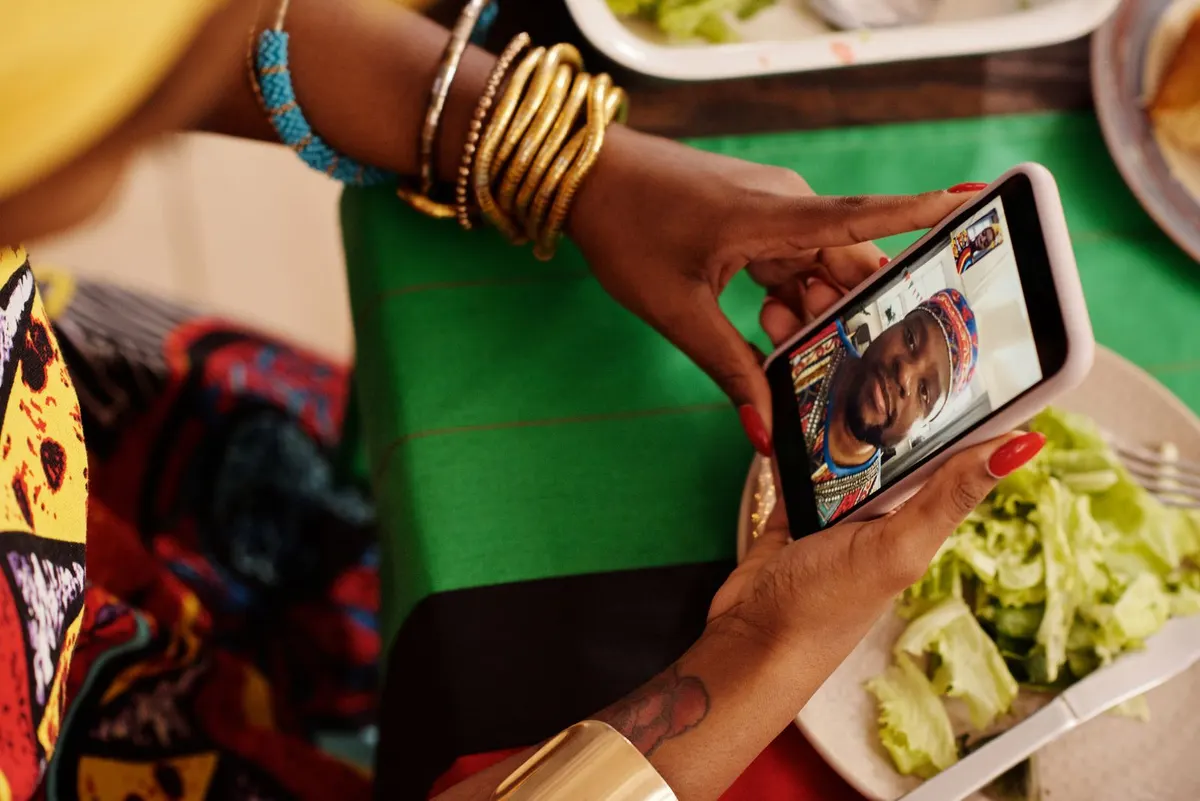
A group video call
The easiest option, because the family already uses it. It works for the reveal or the cake with a few relatives. As the guest list grows, so do the limits: a cap on participants, a picture that freezes, and someone stuck holding the phone.
Zoom or Google Meet
Put the link in the invitation and everyone joins at the time you set. Prop the phone on a tripod and leave it running. Free plans often limit time or participants, and older relatives can get stuck installing the app, so test the link the day before.
Instagram or YouTube Live
Anyone can watch, with no audience limit. The trade-off is privacy: an Instagram Live shows up for your followers, not just your family, and the conversation lives in the comments. An unlisted YouTube stream limits who sees it, but takes more setup.
Inside the shower app
On BabyParty, the host streams from their own phone inside the app. Guests open the same link as the invitation and watch in the browser with nothing to install. Next to the video sits the shower chat, with reactions and a count of who is watching, and only invited guests can get in.
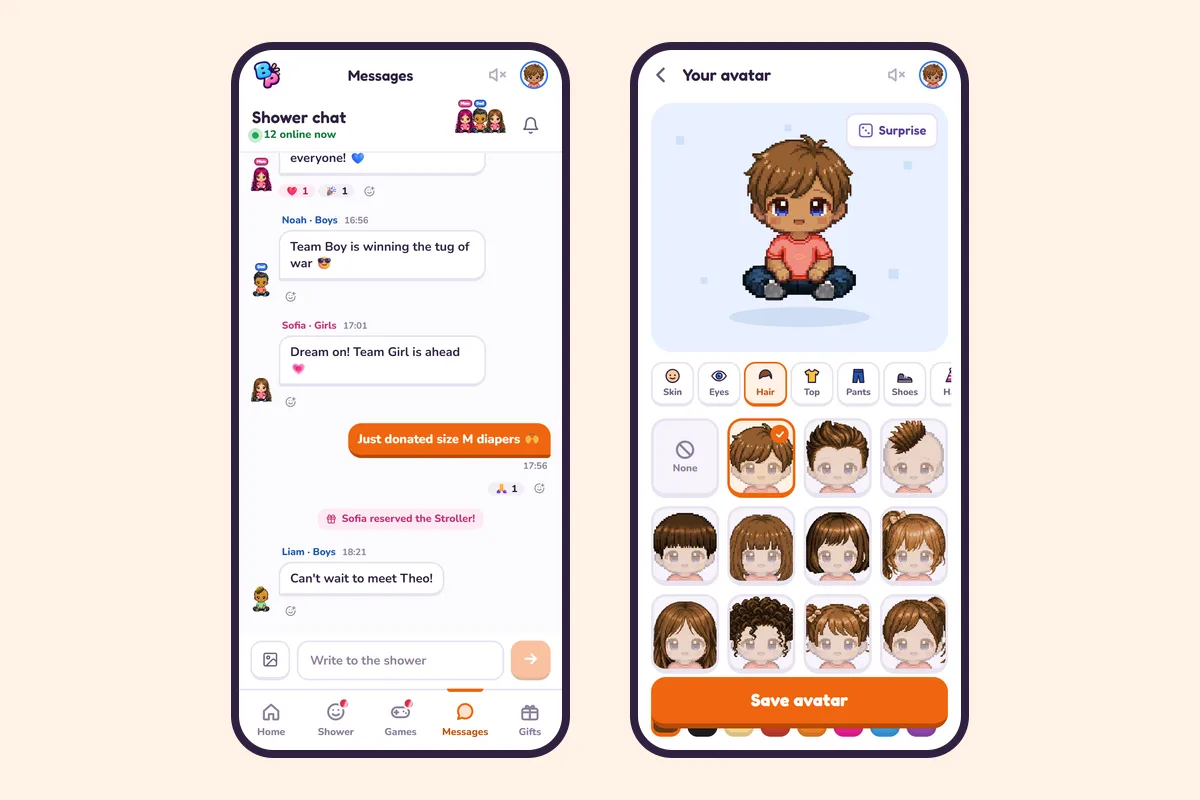
Remote guests do more than watch. They play the same games, show up on the same leaderboard, answer the live quiz, enter the prize draw and see the gender reveal on their own phone at the same moment as the people in the room. If you already use a Zoom or Meet link, you can keep it in the shower too.
Before you go live
Test the internet in the exact spot where the phone will sit and use Wi-Fi. A tripod or anything at face height keeps the picture steady. Keep the phone plugged in and away from the speaker, since whoever talks close to it will be heard and the rest turns into noise. Share the times of the reveal, the cake and the gift opening, and ask one person to look after the stream so the parents can enjoy the party.
Planning the whole shower online? The virtual and hybrid baby shower guide covers it, and the baby shower games list shows which games work remotely.
Frequently asked questions
What is the best way to livestream a baby shower?
For a few people, a group video call is enough. For the whole family, with privacy and real participation, stream from inside the shower app, which guests open from the invitation link and where they can also play and chat.
Can remote guests play the games?
On BabyParty, yes. They play the same games, show up on the same leaderboard, answer the live quiz and enter the draw while watching the stream.
Is the stream open to anyone?
It depends on how you stream. An Instagram Live reaches your followers. On BabyParty, only invited guests can watch.
Do guests need to install an app to watch?
Not on BabyParty: the stream opens in the phone browser from the shower link. Zoom and Meet usually ask for their app on phones.
What do I need to stream the shower?
A phone, steady Wi-Fi, a tripod or stand, a charger and one person in charge of the stream.